
CC0-1.0 · Static model
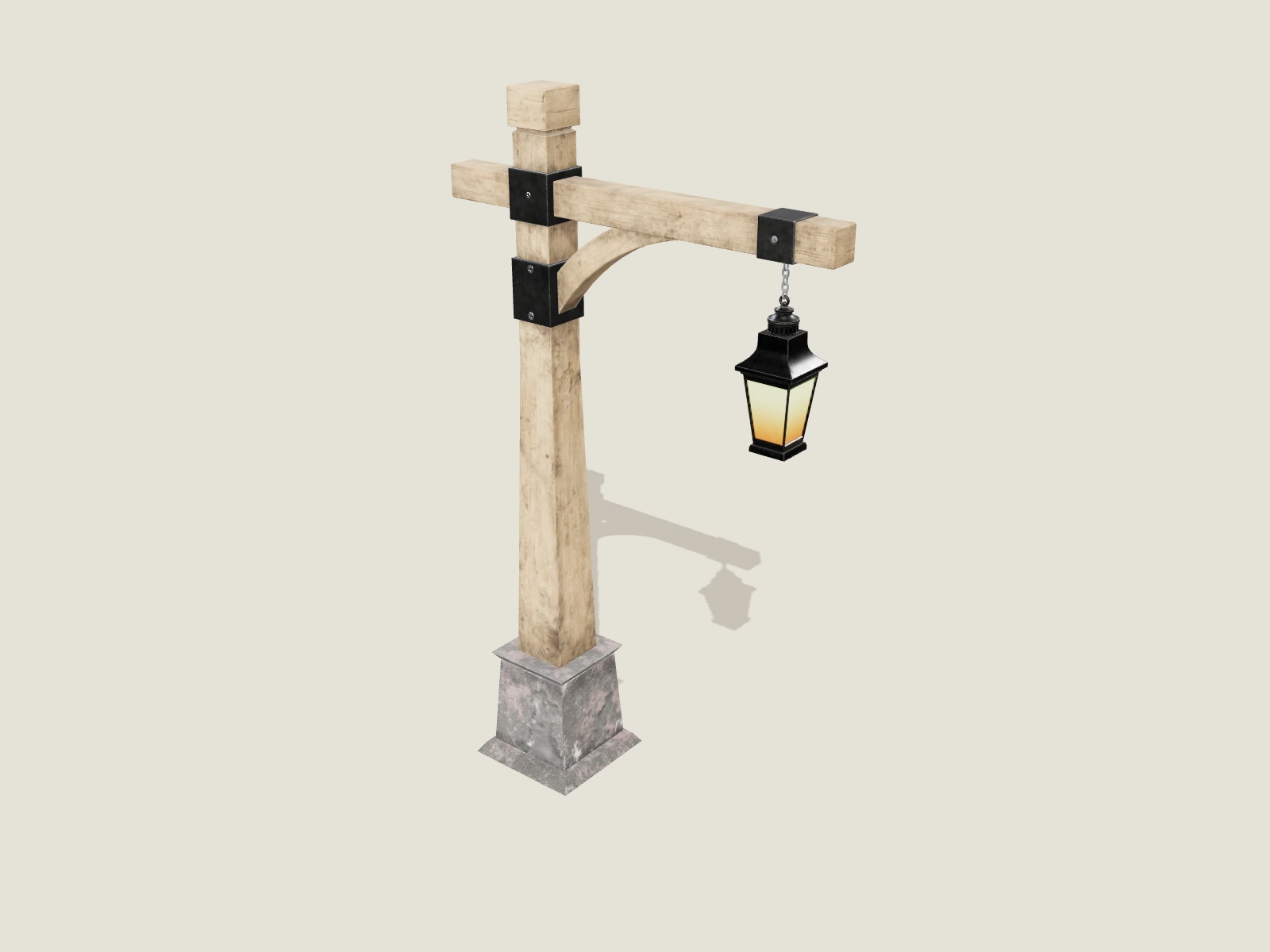
Wooden street lantern
Inspect the weathered frame, painted wood textures and metal fittings.
- Use
- Game props
- Mesh
- 5,394 triangles · 9.12 MB
Inspect five game-prop references, including a lantern, portable radio, traffic cone, workshop crate and bench vise. Compare silhouette, mesh detail and materials before using a prop in a prototype or background scene.
Last updated
5 source-attributed references · live browser previews
CC0-1.0 · Static model
Inspect the weathered frame, painted wood textures and metal fittings.
CC0-1.0 · Static model
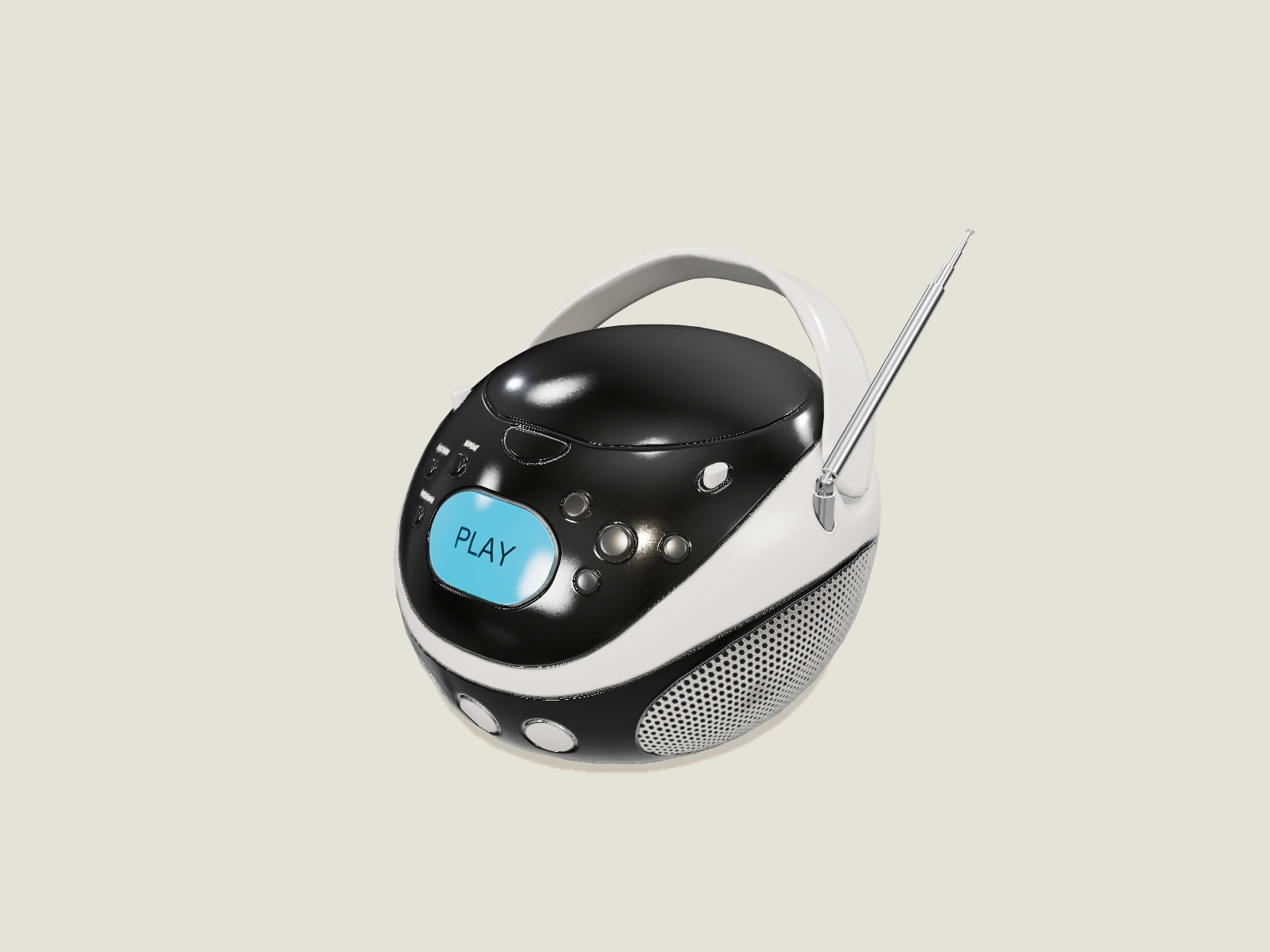
Inspect the glowing display, knobs and casing in PBR and clay modes.
CC-BY-4.0 · Static model
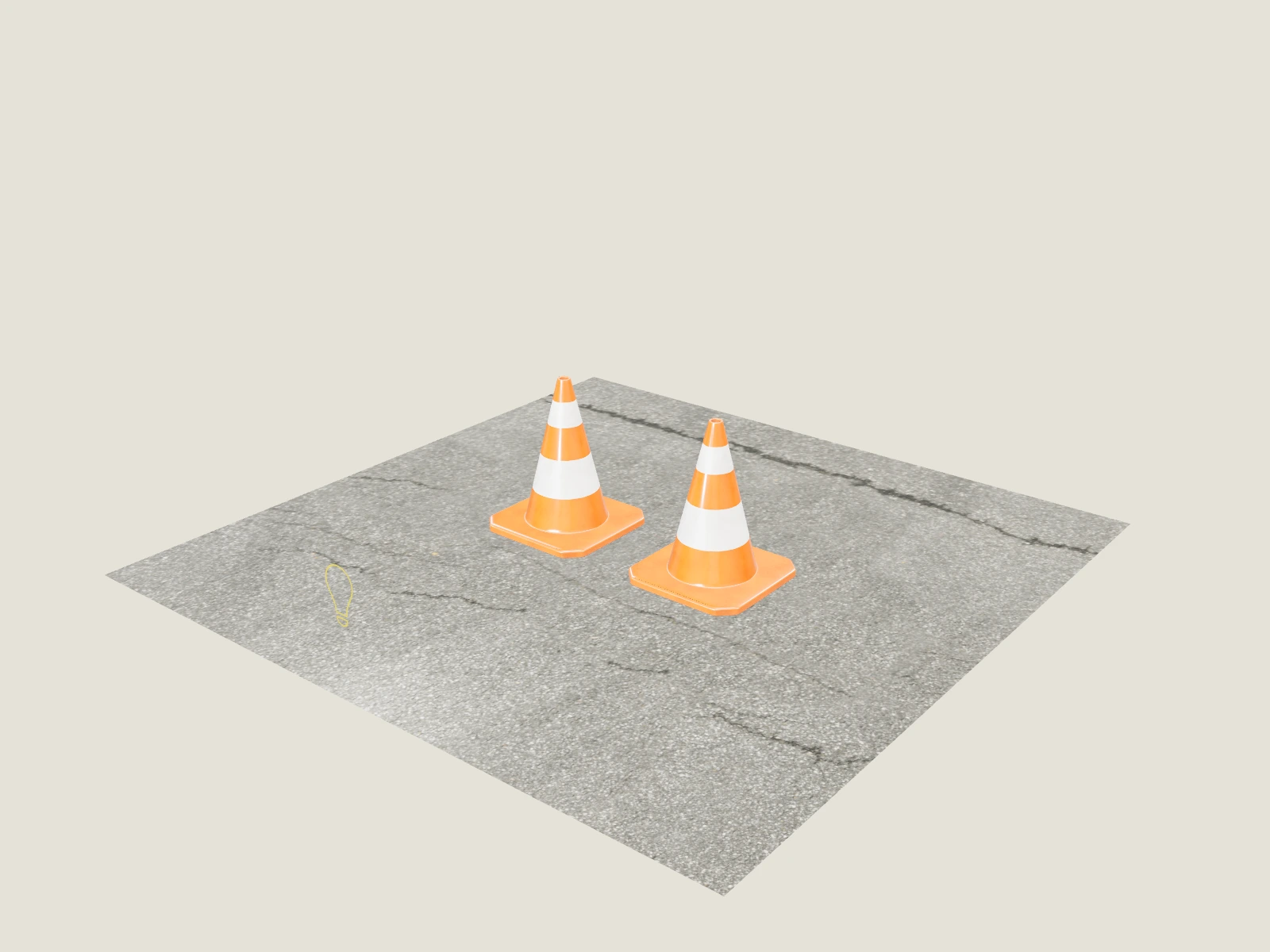
Inspect the orange cone, asphalt base and reflective strip materials.
Project-owned reference · Static model
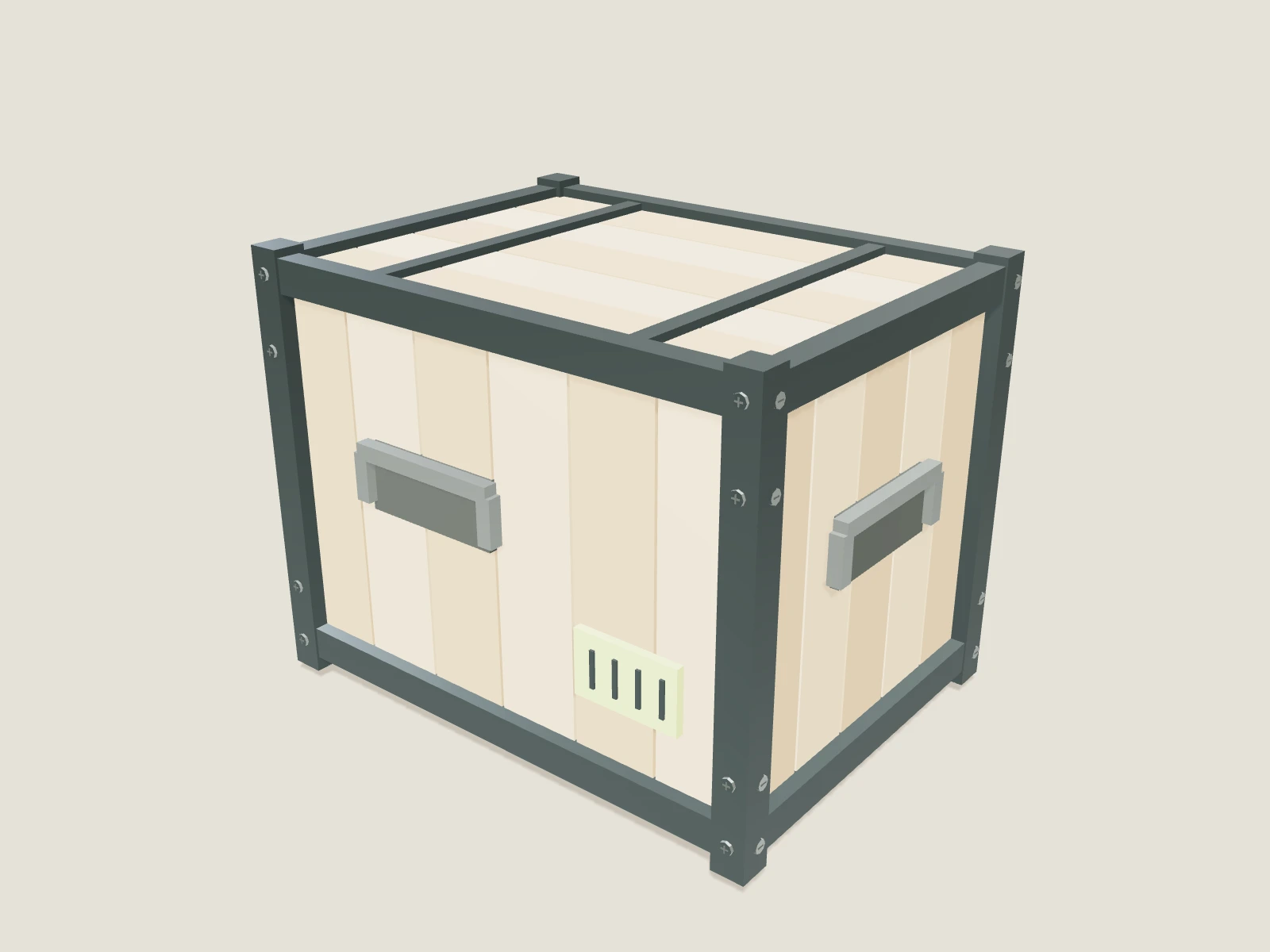
A wooden crate with a steel frame, fasteners and a contrasting identification plate.
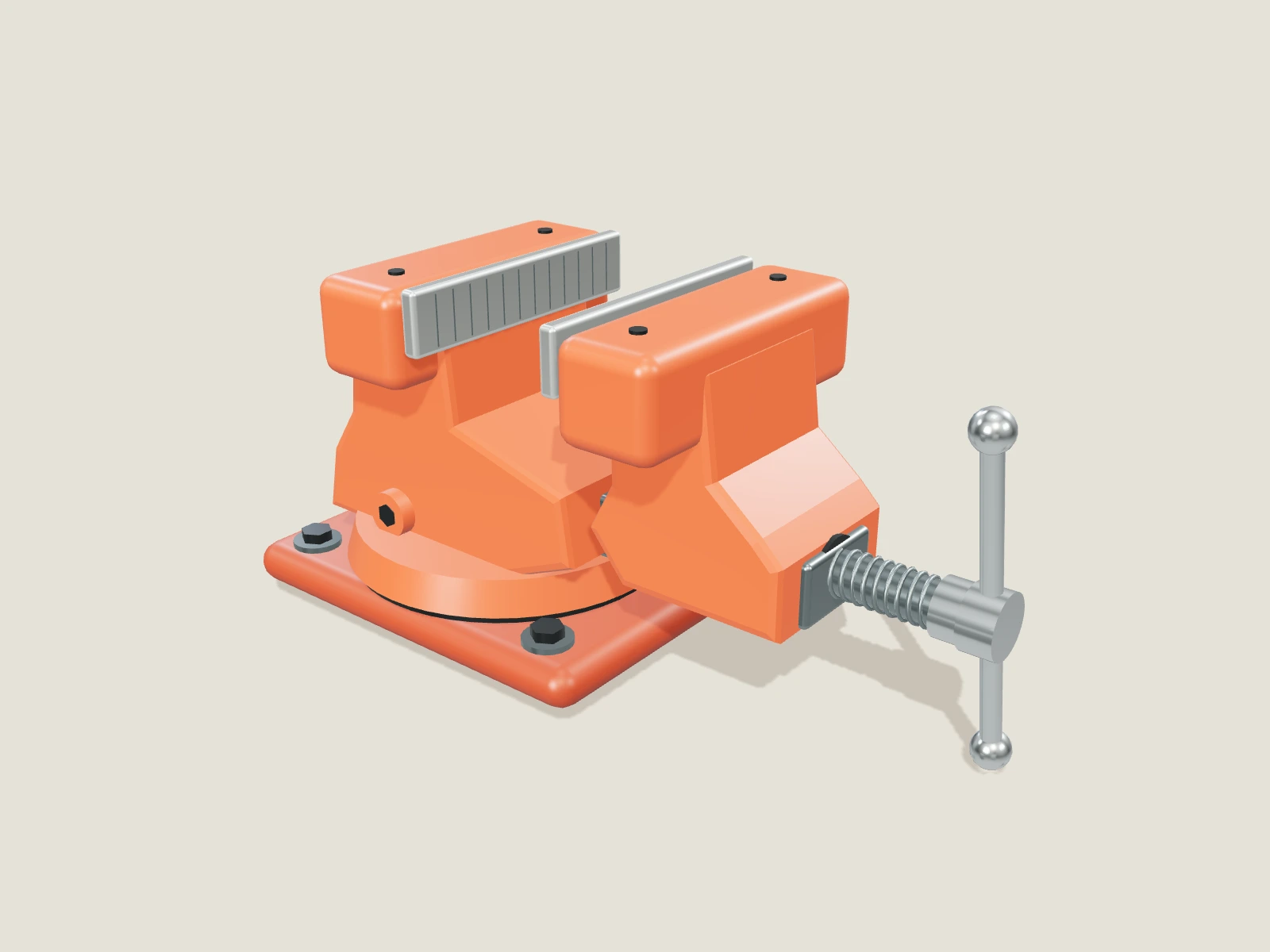
Project-owned reference · Static model
A terra-painted vise with brushed steel jaws, a threaded spindle and a sliding handle.
The detail page reports mesh triangle count, embedded images, materials and file size. These facts help you shortlist a reference; they do not replace profiling draw calls, texture memory and scene density on your actual target device.
Start with the browser preview, then test the import route in Blender, Unity or Unreal. Check orientation, pivot and known-size references. Collision, physics behavior and lighting setup are separate from rendered geometry.
Use a suitable glTF import workflow and check scale, materials and supported extensions in your actual engine. A successful browser preview is an inspection step rather than engine certification.
Imported lantern and radio references use CC0; the traffic cone includes CC BY attribution. The crate and bench vise are original project-owned references. Each detail page names its source.
A useful next step
Prepare a clear reference, choose a delivery format, and inspect what arrives.