CC0-1.0 · Static model
Wooden street lantern
Inspect the weathered frame, painted wood textures and metal fittings.
- Use
- Game props
- Mesh
- 5,394 triangles · 9.12 MB
Field guide 01 · game assets
Image-to-3D can be useful for fast game prototypes, background props, and concept validation when the result is inspected before use. It is not a reliable replacement for final hero assets, strict topology work, collision setup, or art-direction review. A practical workflow is to prepare a clear object image, inspect the target GLB, then verify scale, topology, textures, and engine import behavior.
Join the game-asset betaLast updated
Visible use-case preference. No charge or live generation.
Prepare → inspect → integrate
One object, clear outline, visible structure.
Textured GLB is the planned output. Check the delivery path.
Check shape, textures, scale, and hidden surfaces.
Verify your Unity or Unreal import workflow.
| Task | Fit and necessary review |
|---|---|
| Rapid prototypes | Useful for exploring silhouette and placement; review before reuse. |
| Background props | Potential starting point; review material consistency and the device budget. |
| Concept validation | Useful for spatial discussion; inspect what the reference cannot establish. |
| Final hero characters | Not a replacement for specialist topology, rigging, and art direction. |
| Production topology | Manual review and cleanup remain necessary; no automatic guarantee. |
| Collision | Set up and check collision in the engine; rendered geometry is not sufficient. |
Evidence, not a promise
CC0-1.0 · Static model
Inspect the weathered frame, painted wood textures and metal fittings.
CC0-1.0 · Static model
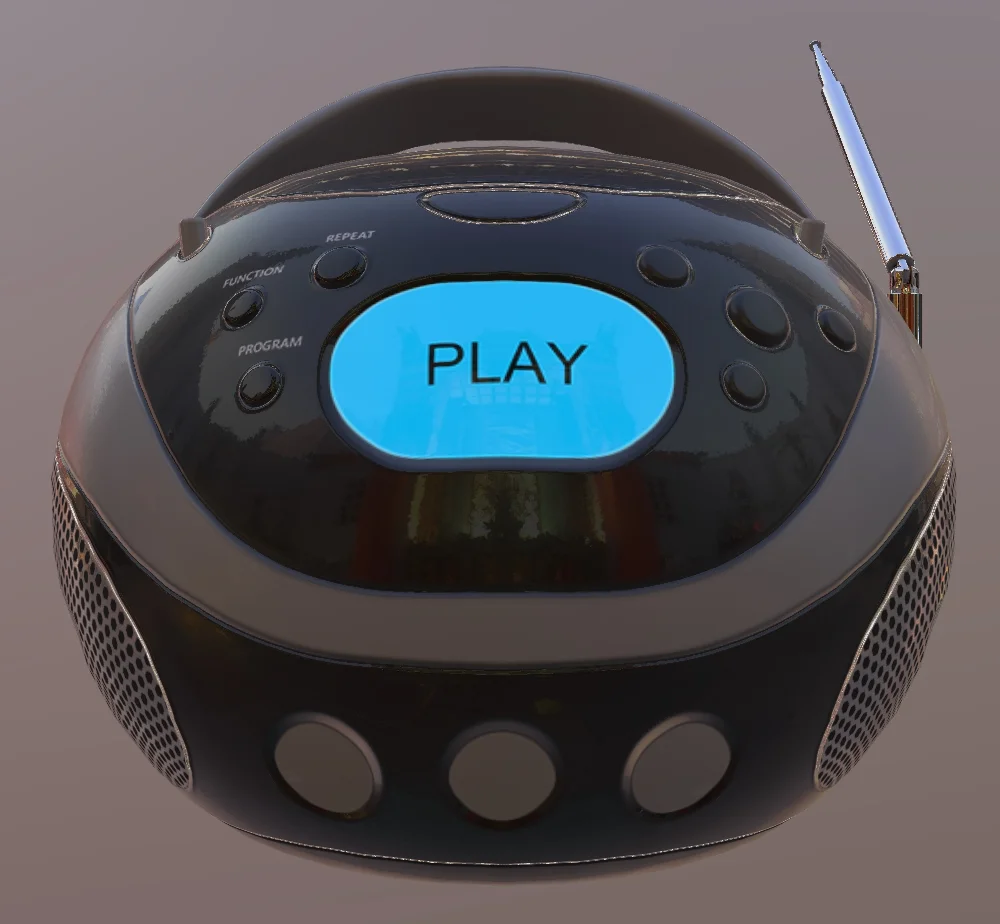
Inspect the glowing display, knobs and casing in PBR and clay modes.
CC-BY-4.0 · Static model
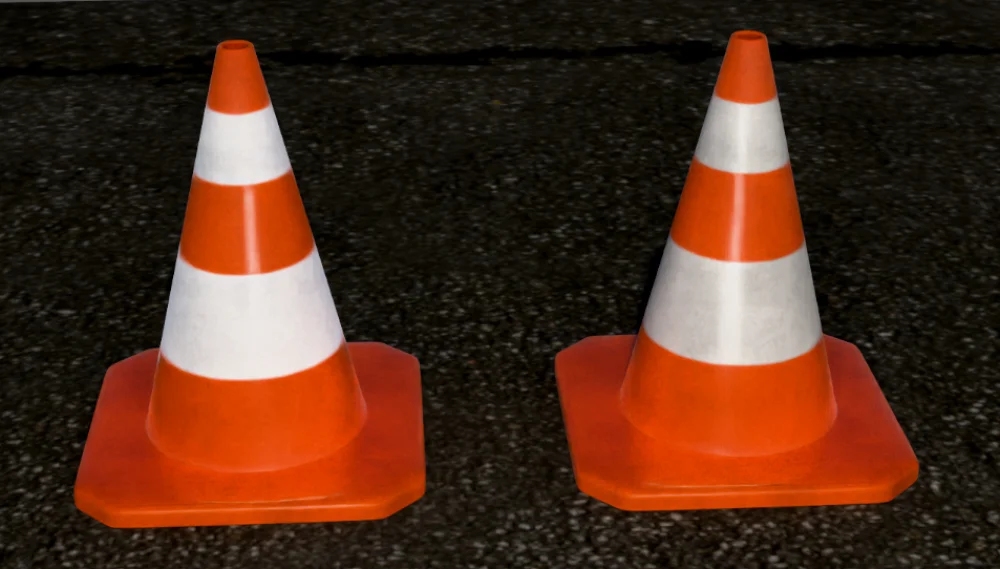
Inspect the orange cone, asphalt base and reflective strip materials.
| Check | Review in your actual project |
|---|---|
| Geometry budget | Measure triangles and draw calls at your intended scene density. |
| Textures | Check resolution, memory, color interpretation, and material mapping. |
| Scale & pivot | Compare with a known-size object; set origin and orientation deliberately. |
| Collision | Inspect collision shape, gameplay fit, and physics behavior separately. |
| Import route | Unity GLB requires an appropriate importer; Unreal glTF support has feature limits. |
| Provenance | Keep permission, reference, source, and modifications with the asset. |
These are MeshCrate workflow recommendations. Read the attributable format and engine sources.
A useful next step
Prepare a clear reference, choose a delivery format, and inspect what arrives.
In development
Get launch updates and early trial incentives. Image generation is not available yet.